How to Verify a Tesla Service History (UK 2026 Guide)
How to verify a UK Tesla service history, Tesla account history, service centre records, battery health verification, software version, and warranty claim tracking.
 By Jamie Dawson · Editor
▮
Updated 14 Sep 2026
▮
4 min read
By Jamie Dawson · Editor
▮
Updated 14 Sep 2026
▮
4 min read
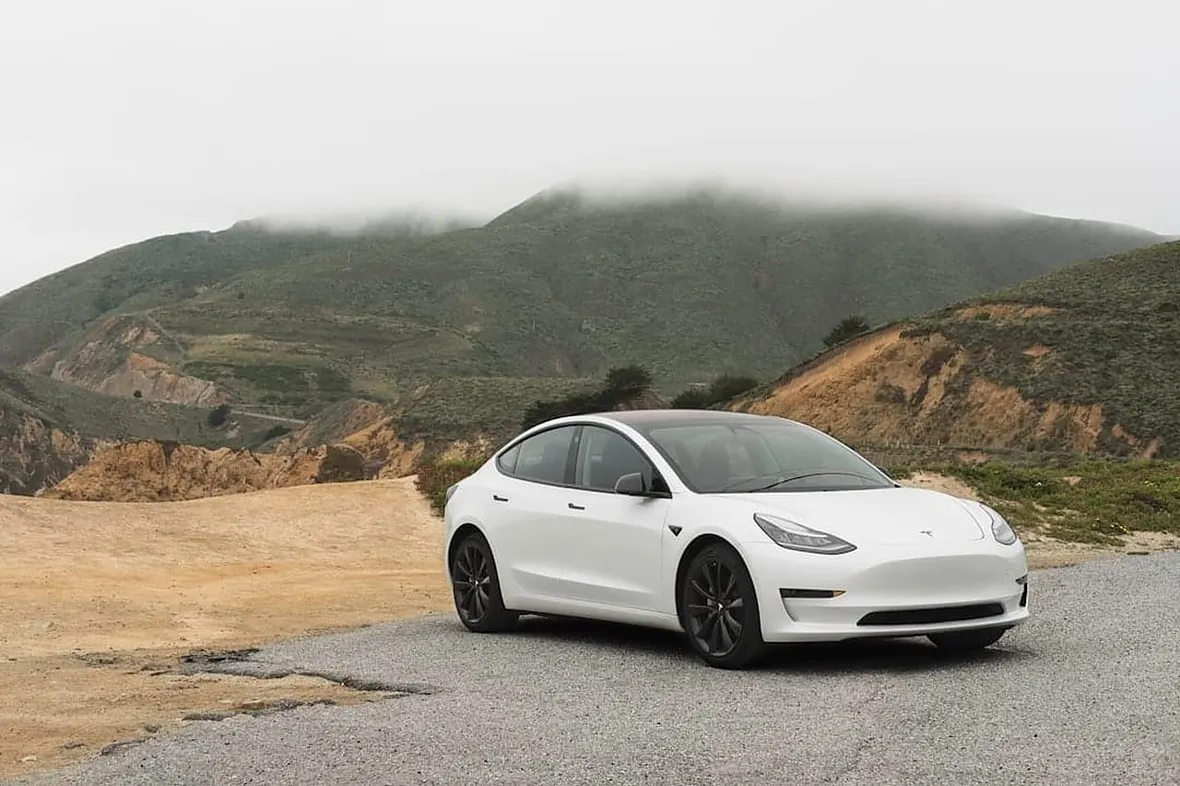
Quick answer: Tesla verification is fundamentally different from ICE verification because Teslas have minimal scheduled servicing (no oil, plugs, or transmission services). The verification focus shifts to: Tesla account service history (visible to the current owner via web/app), battery health diagnostic (run by Tesla service centre), software version and Autopilot/FSD status, warranty claim history, and the few scheduled items that do apply (brake fluid every 2 years, cabin filter, tyre rotation). For UK Teslas, a Tesla Service Centre printout combined with the owner's Tesla account screenshot covers most verification needs.
Used Tesla buyers in 2026 are mostly used to verifying ICE cars and find Tesla verification confusing. The good news: Tesla's record-keeping is centralised on the owner's account, accessible via the Tesla app and web portal, and any Tesla Service Centre can pull the full history. The verification process is shorter than for an ICE, but the items to check are different.
What Tesla services actually exist
Before you trust the paperwork, check the car's MOT history
Every MOT result, mileage reading and advisory since 2005, straight from DVSA records. Free, no sign-up.
Run the free MOT history check →Tesla's recommended service items (Model 3, Y, S, X, varies slightly):
- Brake fluid: every 2 years (only routine fluid)
- Cabin air filter (HEPA): every 2-3 years
- Tyre rotation: every 6,250 miles or as wear dictates
- Air conditioning service: A/C desiccant every 4-6 years on Model S/X
- Wiper blades: as needed
That's it. No oil, no spark plugs, no transmission fluid, no DPF, no cambelt. The service interval discussion is fundamentally different.
Tesla account service history
The current owner can show their Tesla account (web or app) which lists every service visit:
- Date and mileage
- Tesla Service Centre or Mobile Service location
- Work performed
- Parts replaced
- Customer-paid vs warranty-covered breakdown
This is the gold standard for Tesla verification. Insist on seeing it on the seller's actual device, screenshots are easy to fabricate.
Battery health diagnostic
Tesla Service Centres can run a battery health diagnostic showing:
- Current capacity vs new (typically 92-98% for cars under 5 years)
- Battery cell balance
- Charge cycles (rough indicator of use intensity)
- Maximum charge rate degradation
This is the single most-important Tesla-specific verification. Tesla doesn't sell this as a service to non-owners typically; the seller needs to request it. A 5-year-old Model 3 with 96% capacity is healthy; one with 85% capacity has either been heavily Supercharged or has battery issues.
Software version and feature status
The car's software version is visible in Settings. Tesla over-the-air updates the software regularly. Most cars are within a few weeks of current. Check:
- Software version number
- Autopilot package: standard (Basic Autopilot), Enhanced Autopilot, or FSD (Full Self-Driving)
- Premium Connectivity status
- Any disabled features
FSD specifically: it transfers with the car (purchased once, lives on the VIN). Verify which package the car has via the touchscreen Settings menu.
Warranty claim history
Tesla service history shows warranty claims separately. Common warranty work:
- Drive unit replacement (early Model S, less common on Model 3/Y)
- HV battery work (rare but high-cost when it happens)
- MCU (Media Control Unit) replacement on early Model S/X
- Door handle, rubber seals, body panel paint defects
A car with multiple drive unit replacements is unusual, investigate. A car with documented MCU upgrade on early S/X is positive (many haven't had it).
Common Tesla verification gotchas
- Software version 5+ versions behind current, investigate. Most cars update OTA automatically.
- Battery capacity below ~85% on a Model 3/Y under 4 years old
- Service history showing no brake fluid in 4+ years
- FSD claimed but not actually on the VIN (verify via Settings)
- Heavy Supercharging history (visible on the car's Trips screen), accelerated battery wear
- Any "salvage" status on the Tesla account, VIN flagged in Tesla's system, may impair Supercharger access or future warranty
Tesla-specific HPI considerations
Standard HPI checks (HPI Ltd, AutoCheck, RAC, AA) cover Tesla finance, write-off, theft markers as for any car. Tesla-specific issues HPI doesn't catch:
- Tesla VIN salvage flag
- FSD package transfer status
- Battery degradation
- Software lockouts (rare)
For these, the Tesla account history + Service Centre diagnostic is the source.
UK Tesla specialists (limited but growing)
Out-of-warranty Tesla specialist work is still mostly handled by Tesla Service Centres. A small but growing UK independent network:
- Gruber Motor Company UK
- Cleevely Electric Vehicles (Cheltenham)
- EV Specialist (various locations)
Independent EV work outside warranty is possible. Tesla's stance on third-party repairs has evolved; documented work via approved channels protects warranty coverage.
Tesla provenance for high-value variants
For Plaid Model S, Plaid Model X, Founder Series, or Roadster (when they arrive): documentation is similar to ICE provenance, keeper history, factory configuration, software state, service-centre work, any owner-modifications via Tesla's approved channels.
FAQs
Why does the Tesla service record matter if there's so little servicing?
Because warranty claims and battery health show up there. A "minimal service" Tesla isn't suspicious, but a Tesla with hidden warranty claim history is.
Can I check a Tesla's battery health without the seller?
No, the diagnostic requires Tesla Service Centre access, which requires the keeper. Insist on a Service Centre visit before purchase for any Tesla over 4 years old.
What's the typical Model 3 battery degradation per year?
Around 1-2% per year for cars used moderately. After 5 years: 90-95% capacity is healthy.
Is buying a Tesla via auction risky without account access?
Yes. Without the seller's Tesla account showing service and warranty history, you're flying blind on Tesla-specific issues. Reduce price expectations significantly for "no account access" Teslas.
Related guides
- How to verify a car's service history before you buy
- Service history stamps: spotting fakes
- The 7 documents to check when buying a used car
- Free vs paid HPI check 2026
- Full vs partial service history: UK buyer's guide
Last reviewed 2026-05-05 by Jamie Dawson, Editor.